
Torque Wrench for Electronics Repairs: Precision Tips for Small Parts
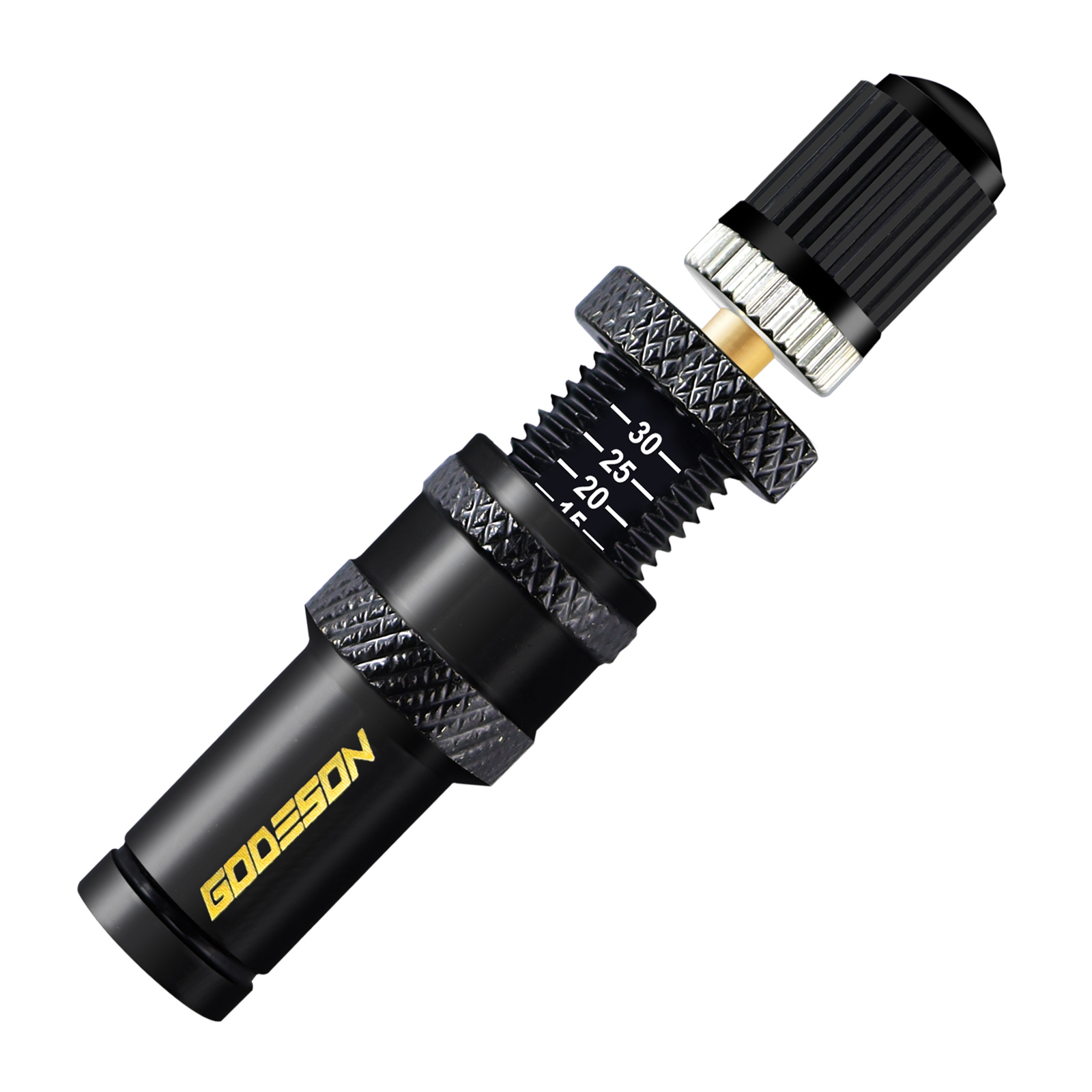
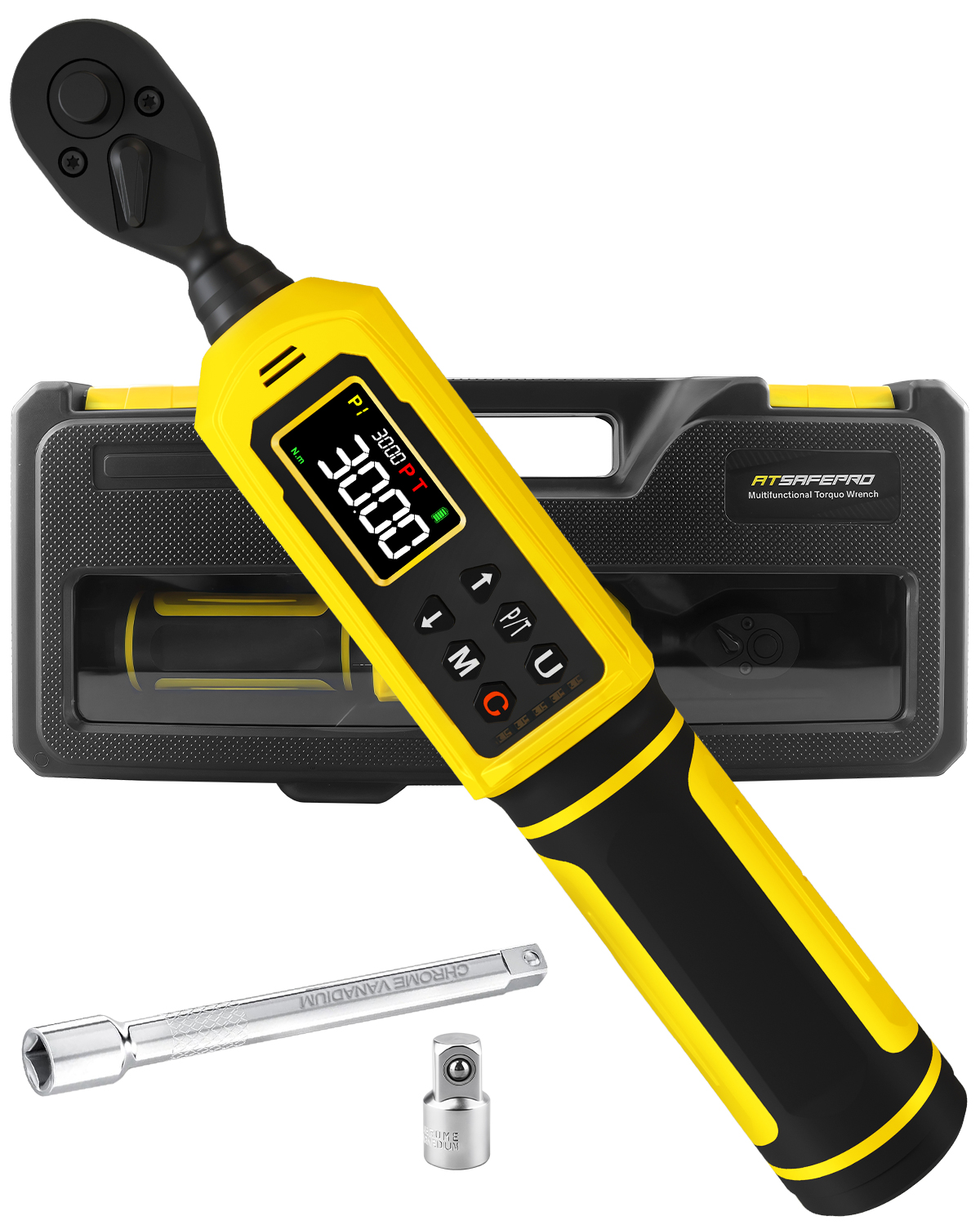
Electronics (smartphones, laptops, cameras) have tiny, delicate fasteners that require ultra-precise torque—too much force strips screws or cracks circuit boards, while too little leaves parts loose. A 1/4” drive micro torque wrench (range: 1–10 in-lbs or 0.1–1.1 N·m) is essential here—standard torque wrenches are too bulky and lack the accuracy needed for small jobs. Here’s how to use one effectively:
Key Electronics Torque Specs (Check Your Device’s Manual!)
· Smartphone Screws (e.g., iPhone, Samsung): 1–2 in-lbs (0.11–0.23 N·m) – These tiny Phillips-head screws (often size #000 or #00) strip easily—even a 0.5 in-lb overshoot can ruin them.
· Laptop Hard Drive Screws: 2–3 in-lbs (0.23–0.34 N·m) – Over-tightening can warp the hard drive’s casing, leading to data loss.
· Camera Lens Mount Screws: 3–5 in-lbs (0.34–0.56 N·m) – Too much torque bends the lens mount, making it impossible to attach lenses securely.
· Circuit Board Standoffs: 1.5–2.5 in-lbs (0.17–0.28 N·m) – Standoffs hold circuit boards in place; over-tightening cracks the board’s solder joints.
Tips for Electronics-Specific Use
1. Use Micro Hex/Phillips Bits: Invest in a set of high-quality micro bits (size #000–#2 for Phillips, 0.5mm–2mm for hex)—cheap bits strip easily, ruining both the bit and the screw. Look for bits made of S2 steel (stronger than standard steel) or titanium-coated (resists wear).
1. Hold the Wrench Close to the Head: For tiny fasteners, grip the wrench’s handle as close to the head as possible (instead of the end). This gives you more control and prevents accidental over-torquing—small movements of the handle translate to big changes in torque for micro fasteners.
1. Use a Work Mat with Magnets: Electronics screws are easy to lose—place a magnetic work mat on your bench to catch them. Some mats also have grid lines to help you organize screws by location (e.g., “top of phone” vs. “battery compartment”)—critical for reassembly.
1. Test Torque on a Spare Part First: If you’re new to electronics repairs, practice on an old device (e.g., a broken smartphone) before working on your main device. This lets you get a feel for the wrench’s “click” at low torque values without risking damage.
Common Mistake to Avoid
Never use a regular torque wrench for electronics—even a 1/4” drive wrench with a 5–30 in-lb range is too imprecise for 1–2 in-lb screws. Micro torque wrenches have specialized sensors (for digital models) or springs (for click-type) that are calibrated for tiny torque values, ensuring accuracy down to 0.1 in-lb.