
Torque Wrench Storage: How to Keep Your Tool in Top Shape
Proper storage is just as important as calibration or maintenance—poor storage leads to rust, damaged parts, and reduced accuracy. Whether you have a click-type, digital, or micro torque wrench, follow these storage rules to extend its lifespan to 10+ years:
1. Use the Original Storage Case
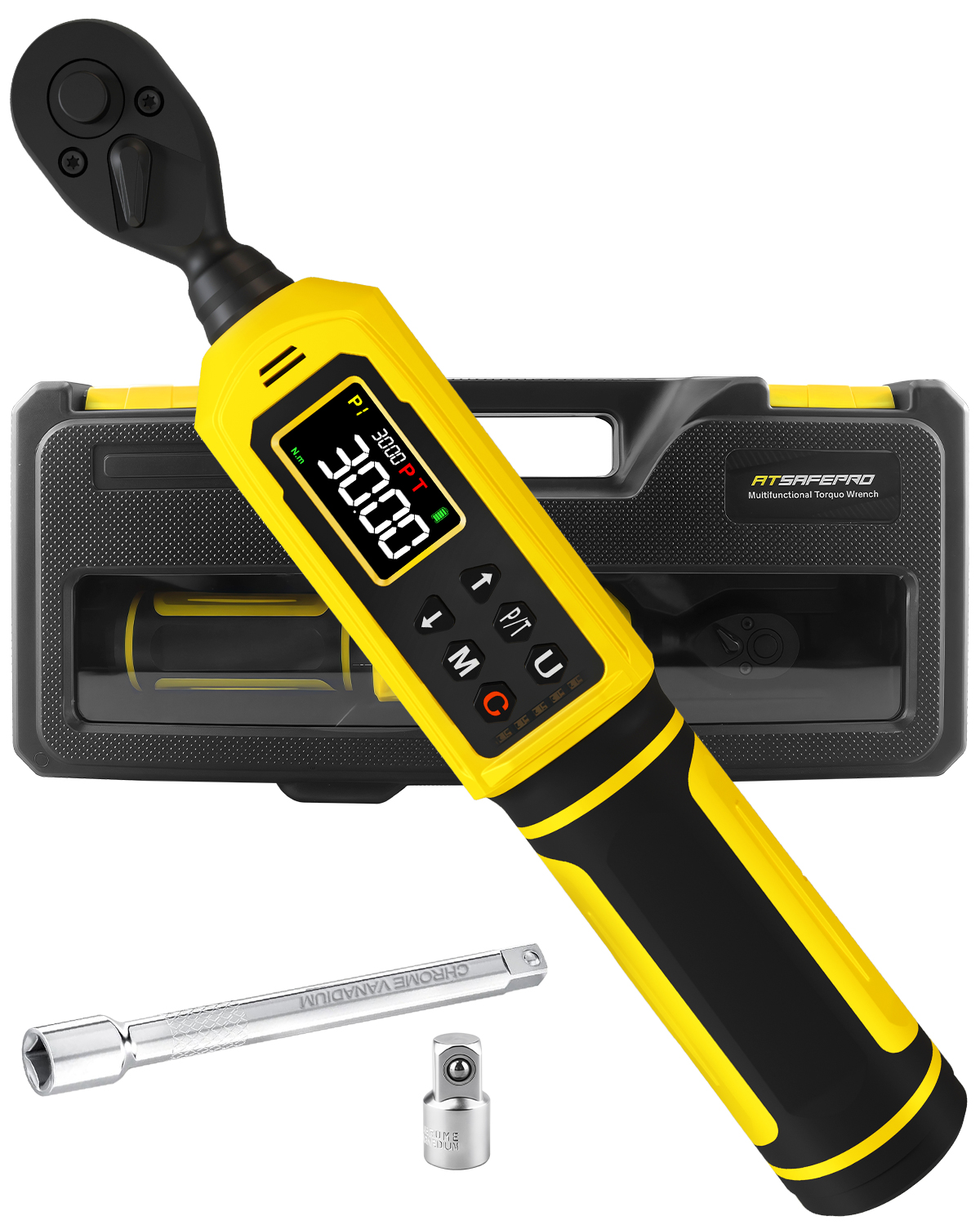
Every torque wrench comes with a case (hard plastic for click-type/digital, soft fabric for micro models)—use it! Cases protect the wrench from:
· Impacts: Dropping a wrench or tossing it in a toolbox without a case can bend the head, damage the digital screen, or break internal springs.
· Moisture: Cases keep out humidity (which causes rust) and liquid spills (common in garages or workshops).
· Dust/Debris: Dirt gets into the adjustment mechanism or sensor, leading to stuck knobs or inaccurate readings.
Pro Tip: Label the case with the wrench’s torque range (e.g., “1/4” drive – 1–10 in-lbs”)—this helps you grab the right tool quickly and avoids using the wrong wrench for a job.
2. Store in a Cool, Dry Place
Humidity and extreme temperatures are torque wrench enemies—here’s where to avoid storing it:
· Garages/Outdoor Sheds: These spaces get hot in summer and cold in winter, which can damage digital screens and cause metal parts to expand/contract (throwing off calibration). They’re also humid, leading to rust on the drive end and handle.
· Near Water Sources: Keep the wrench away from sinks (in workshops) or hoses (in garages)—water can seep into the handle or battery compartment (for digital models).
Best Storage Spots:
· A climate-controlled workshop cabinet (ideal for long-term storage).
· A toolbox with a moisture-absorbing packet (e.g., silica gel) inside—replace the packet every 3 months.
· A kitchen pantry (for small micro wrenches used for electronics—dry and temperature-stable).
3. Prepare the Wrench for Storage
Before putting the wrench away, do these 3 things:
1. Clean It: Wipe the entire wrench with a dry microfiber cloth to remove dirt, oil, or grease. For tough grime (e.g., engine oil), use a cloth dipped in mineral spirits—wipe gently, then dry immediately to prevent rust.
1. Reset the Torque (Click-Type/Digital): Turn the adjustment knob to the lowest torque setting (usually 0 ft-lbs or 0 N·m). This relieves tension on the internal spring (click-type) and prevents the sensor from being strained (digital).
1. Remove Batteries (Digital): If you won’t use the wrench for more than a month, take out the batteries. This prevents battery leakage (which corrodes the contacts) and extends battery life for future use.
4. Avoid Hanging or Stacking
· Don’t Hang by the Handle: Hanging a torque wrench from a hook by its handle can bend the beam (for beam-type wrenches) or stretch the spring (for click-type). Instead, place it flat in its case or on a shelf.
· Don’t Stack Tools on Top: Piling other tools (e.g., hammers, sockets) on top of the wrench can crush the digital screen, bend the head, or damage the adjustment knob. Keep the wrench in its own compartment in your toolbox.