
Even the best torque wrenches have issues from time to time—but most problems are easy to fix at home, saving you a trip to the repair shop. Here are the most common problems, their causes, step-by-step solutions, and extra tips to prevent recurrence:
Problem 1: The Click-Type Wrench Doesn’t Click
Causes:
· The internal spring is broken or stretched (from storing the wrench at full torque long-term).
· Dirt or grease is clogging the adjustment mechanism (common after messy jobs like engine repairs).
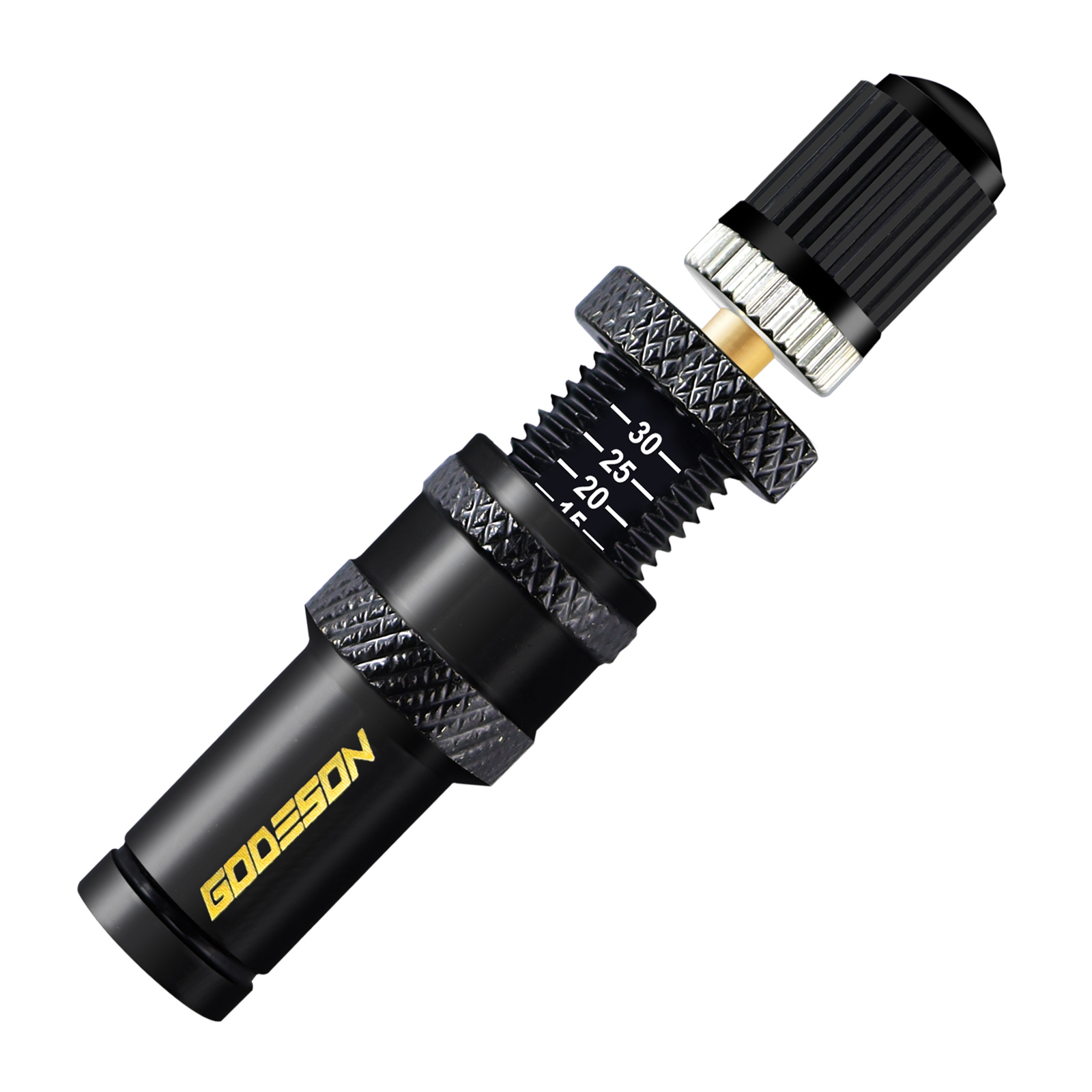
· The lock knob is still engaged (a simple oversight—many users forget to unlock it before setting torque).
Solution:
1. Check the Lock Knob First: Twist the knob counterclockwise (most have a “lock” icon that lines up when engaged) to unlock. Test the wrench again—this fixes the issue 30% of the time for beginners.
1. Clean the Adjustment Mechanism: If unlocking doesn’t work, remove the handle cap (use a flathead screwdriver to pry it gently—avoid scratching the metal). Wipe the internal threads and spring with a lint-free rag dipped in mineral spirits (cuts through grease without damaging parts). Let it dry for 5 minutes, then apply a thin layer of lithium grease (1–2 drops—too much attracts dirt). Reattach the cap and test.
1. Replace a Broken Spring: If the spring is bent, snapped, or doesn’t bounce back when pressed, order a replacement from the manufacturer (include your wrench’s model number to get the right size). To install: Remove the old spring with needle-nose pliers, insert the new one (ensure it’s seated correctly in the handle’s spring groove), then reassemble the handle.
Prevention: Always reset the wrench to its lowest torque setting after use—this relieves tension on the spring and prevents stretching.
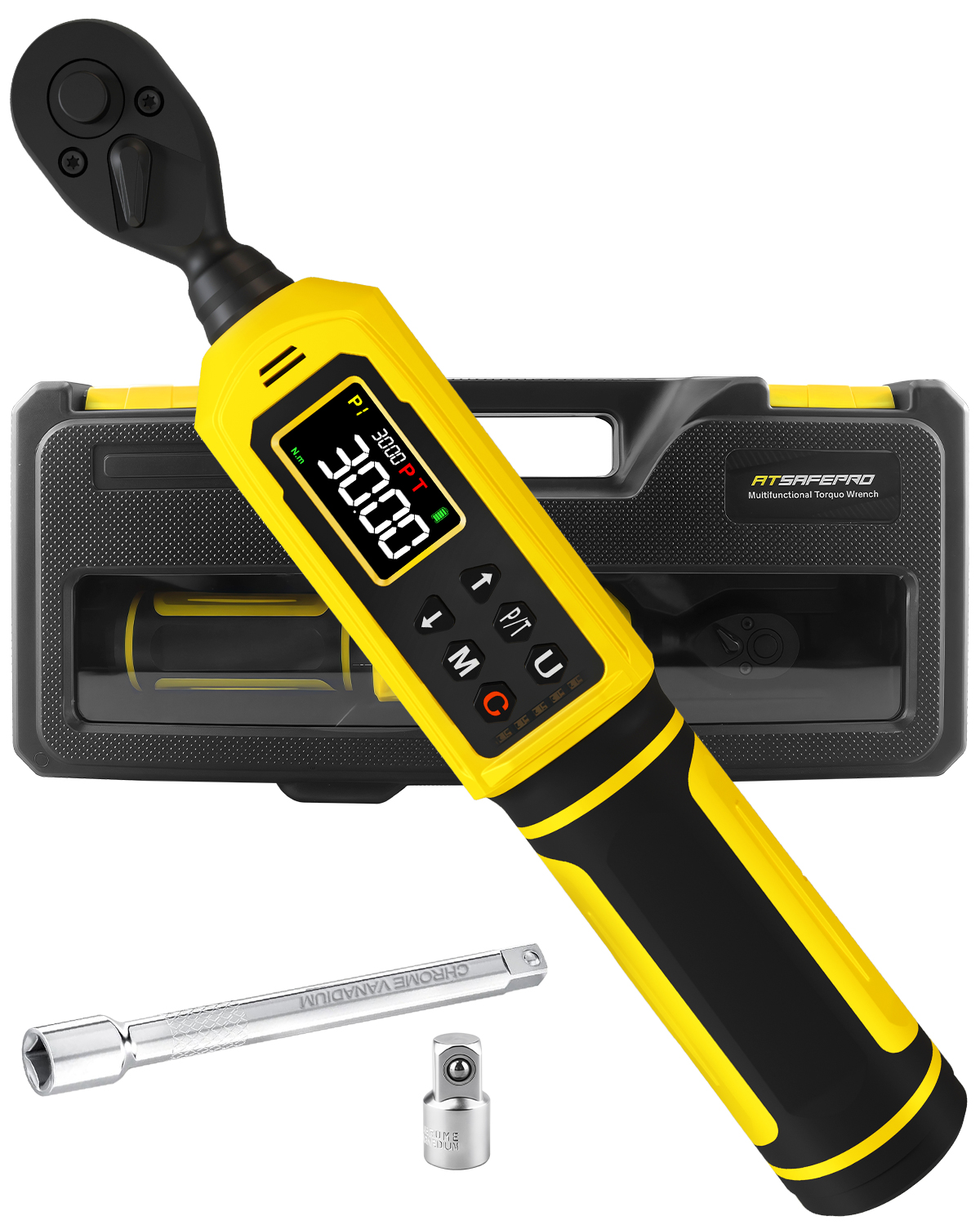
Problem 2: The Digital Wrench Doesn’t Turn On
Causes:
· Dead batteries (the #1 issue—most users forget to replace them until it’s too late).
· Battery contacts are dirty or corroded (from battery leakage or moisture).
· The screen is damaged (from a drop or impact—common if the wrench is stored without a case).
Solution:
1. Replace Batteries: Open the battery compartment (usually on the handle) and swap in fresh batteries (check the manual—most digital wrenches use 2 AAA or 1 AA). Ensure the positive (+) and negative (-) ends align with the compartment’s markings—reverse polarity can damage the circuit board.
1. Clean Corroded Contacts: If the compartment has white/green buildup, dip a cotton swab in rubbing alcohol (90%+ concentration works best) and gently scrub the contacts. For tough corrosion, mix a tiny amount of baking soda with water to make a paste—apply with the swab, scrub lightly, then wipe clean with a dry rag. Let the contacts air-dry fully before inserting new batteries.
1. Fix a Damaged Screen: If the screen is cracked or blank, contact the manufacturer for a replacement part (some brands offer DIY screen kits). If the circuit board is damaged (you’ll see burnt marks), professional repair is needed—costs typically range from \(30–\)80, which is cheaper than buying a new wrench.
Prevention: Store the wrench in its original case to protect it from drops, and remove batteries if you won’t use it for more than a month (prevents leakage).
Problem 3: Torque Readings Are Inconsistent
Causes:
· The wrench is uncalibrated (over time, internal parts wear down, throwing off accuracy).
· For click-type: The adjustment knob is loose (not locked after setting torque—so the value slips during use).
· For digital: The sensor is dirty (oil, grease, or debris blocks the sensor’s ability to measure force).
Solution:
1. Secure the Adjustment Knob (Click-Type): After setting your desired torque, twist the lock knob clockwise until it’s tight (you’ll feel a slight “click” when it’s locked). Test the wrench on a fastener—if readings are still off, move to calibration.
1. Clean the Digital Sensor: Wipe the wrench’s drive end (where the socket attaches) and the sensor area (usually a small black circle near the head) with a dry microfiber cloth. Avoid using solvents—they can damage the sensor’s coating. For stuck grease, use a toothpick to gently scrape away debris (be careful not to scratch the sensor).
1. Calibrate the Wrench:
· Click-Type: Use a DIY calibration kit (as outlined in Blog #6) to test accuracy. If the wrench clicks at a torque value 5%+ off from the kit’s calculated value, send it to a professional calibrator (costs \(20–\)50).
· Digital: Most models have a “calibration mode” (check the manual—usually activated by holding the “power” and “unit” buttons together). Follow the on-screen prompts (e.g., apply a known torque with a calibration weight) to reset the sensor. If this doesn’t work, professional calibration is required.
Prevention: Calibrate the wrench every 12 months or 5,000 uses—whichever comes first. For heavy users (e.g., mechanics), calibrate every 6 months.
Pro Tip: Don’t Force It
If your wrench is stuck (e.g., the adjustment knob won’t turn) or makes grinding/squeaking noises, stop using it immediately. Forcing a damaged wrench can break internal parts (e.g., stripped threads on the adjustment knob) or cause the head to slip off a fastener—leading to injury. Instead, diagnose the issue first (e.g., a stuck knob might just need lubrication) or take it to a repair shop.